The real cost of starting with the slides.
Starting with the slides can feel productive, but it often creates more versions, more rework and more time lost. This article looks at the real opportunity cost of preparing in the wrong place.
By Gwendy Krijger-Rabbitte

In business, we spend a lot of time preparing presentations; sometimes it takes hours, spills into evenings and weekends, and results in multiple versions. I have known presentations go into version 32 - I kid you not! The cost of starting with slides is often where the problem begins, and it's severely underestimated.
For most people, our fixation on slides happens in the tool: PowerPoint, Google Slides, and increasingly AI. It almost always starts with jumping into slides, and after multiple versions, you are no closer to the final.
The difference shows up when people step back and spend more time deciding what to say before they start designing slides. That is where the real cost of starting in the wrong place becomes obvious. And that's the opportunity cost I want to address in this article.
The deck that came back with five changes
I had a client who was getting increasingly frustrated. They had a presentation that went through endless rounds of preparation, producing one version after another, and AI was not making it easier or clearer.
At first glance, it seemed all right.
But up close, much of it didn’t make a clear case. It missed the point in places, and one of their best slides was hidden somewhere it made no sense.
So he pulled everyone back. He got commitment from the people who needed to present the deck to do it properly. Essentially, he dug in his heels.
We followed a disciplined process. First, we figured out what the presentation needed to achieve. Then we wrote the story on a single page and tested it in a wireframe. Only after everyone agreed did I start making the slides and building the deck.
Even when I start designing the slides, I don’t use a template; I start with a blank title page and build everything around the story we’ve already agreed on. I start with a blank title page and build around the story we’ve already agreed. That way, the audience can follow the logic and the presenter knows exactly where they are going.
After I sent version one, he came back with five changes. Nothing major, five words here and there. Job done.
Even better, when he ran the presentation by two other leaders who had to use the deck, they said it was so clear they didn't need to add anything else; it read like their story, felt like their story, and looked like their story.
It wasn’t because I had found some magic PowerPoint trick. The real reason was that we did the hard work before I started designing the slides. The team invested in that upfront process to get it right because any single delay in getting it wrong cost them when they presented to potential clients.
What happens when you start with slides
Let’s be honest, the average workplace presentation starts with slides. That's the reality. And it's been a reality my entire career. I have done it, colleagues have done it, bosses have done it.
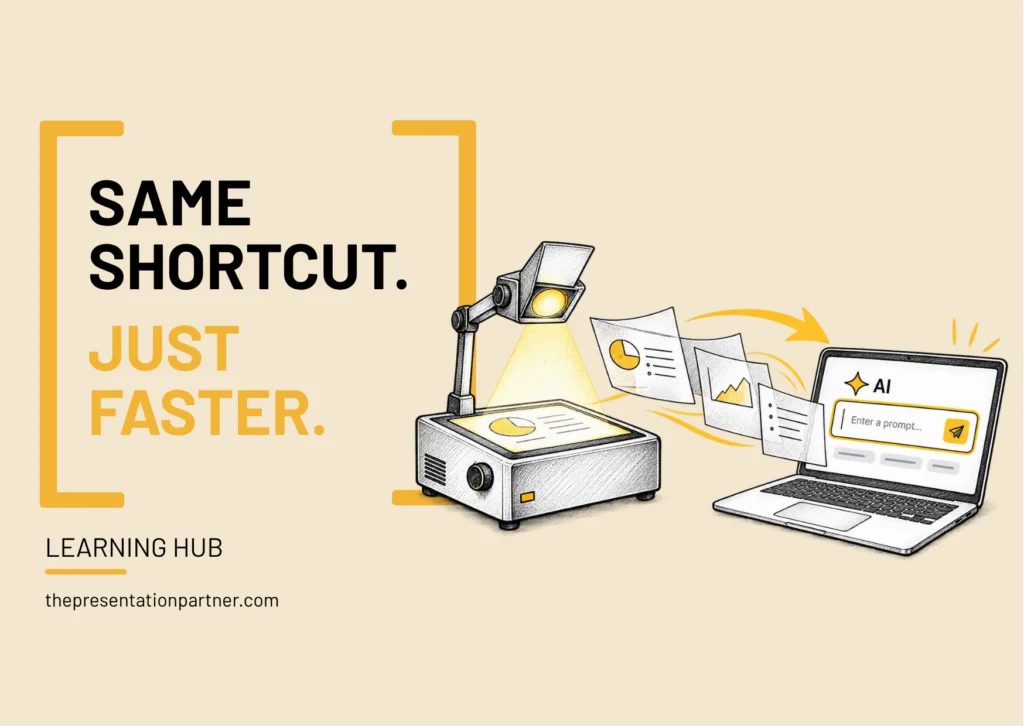
The classic File > Open > Save As, or increasingly Prompt > Generate > Copy, is never going away. It is part of how presentations get made. It is the shortcut.
The simple reason we start there is that it feels productive. It is familiar, and something appears on the screen immediately. But if each new version is still trying to answer basic questions about the story, audience or goal, then the key decisions have not been made yet. You are just moving things around, adding more slides and going further down the rabbit hole.
And this is why starting in the tool is a very expensive way to prepare.
The hidden cost of all that rework
Years ago, when I ran Savvy Slides, I surveyed around 200 salespeople about how much time they spent on presentations. Between creating, designing, and delivering them, it came to about 20% of their working week.
That is one day in five.
For someone whose job is to sell, that is a lot of selling time spent away from the customer. I suspect that number would be higher today, but that is another survey for another day.
And this is where all those extra versions matter. When a presentation has multiple versions, it usually means important decisions are still being made about what's going on behind the deck. That is when the time starts to disappear — your time, your team’s time, and time you could have spent somewhere else.
That is the opportunity cost. The opportunity to be in front of the customer, start the project, get the go-ahead, or simply move on to the next thing.
It might feel like a step forward to open the slides or prompt AI, but it isn't. Your time. Your team's time. The momentum. Sometimes the decision itself. Thats what the churn really costs.
The cost can carry into the room too. If the point is still not clear, the discussion can wander. Afterwards, there may be more work because the decision didn't happen or something needs revisiting.
So when did we stop preparing properly?
I don’t think we did, exactly. We just started preparing in the wrong place when technology made it easier to feel productive. Opening the tool feels like a step forward because you see something on the screen. You can move things, rewrite a title, add a slide, or try another version. You stay busy.
But being busy doesn’t always mean you’re making any progress.
Real progress happens on the blank piece of paper. In the decisions you make before you start. What does this presentation need to achieve? What does your audience need? What’s the main point? What should stay in and what should be left out?
Once those things, and more, are clear, the slides become easier.
That’s why I do what I do, and why I created the Owning Your Space® Methodology.
Starting with a blank page can feel uncomfortable. Absolutely. But that is where I would encourage you to start.
Not with the slides.
Work with me to get your presentation ready.
Talk through the presentation you need to create and the help you'd like with the story, slides and preparation.
Book a call